Been Hacked? Changing Your Password Might Not Be Enough
Changing your password after an account is hacked is the right first step, but attackers can leave themselves another way back in. Here's what else needs checking.
If you found out somebody had got into one of your business email accounts, what would you do first? For most people, changing the password would be top of the list.
That's absolutely the right thing to do. But a newer type of attack shows why changing the password isn't always enough to lock an attacker out.
How the attack works
It starts with phishing. Someone in your team receives an email and ends up on a fake login page for a service they recognise, such as Microsoft 365. They enter their details, believing they're signing in as normal.
Behind the scenes, those details are passed straight to a cyber criminal, who uses them to sign in to the real account. So far, that's a familiar phishing attack. What happens next is the worrying part.
While the victim watches a 'processing' screen for a few seconds, the attacker tries to add a passkey to the account.
Why a passkey gives attackers a way back in
Passkeys are an alternative to passwords. They let you sign in with your fingerprint, face or device PIN, and they're generally a big security improvement.
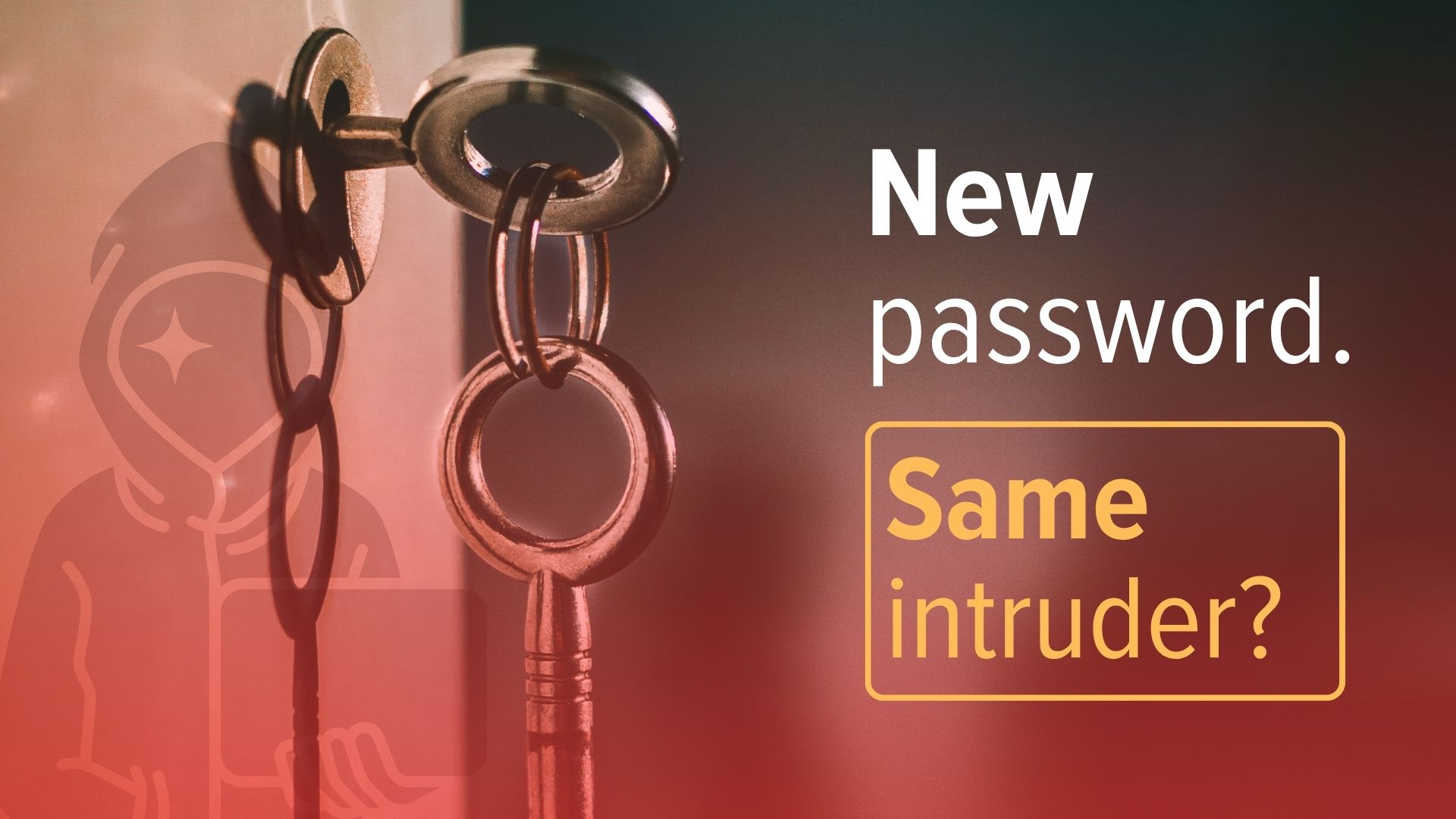
The problem comes when a criminal registers their own passkey on your account. If they succeed, they have their own key to the front door, and changing the password doesn't take it away.
You could spot the attack, reset the password and sign out every device, and reasonably think you're secure. But if the attacker has added another way of signing in, they can simply walk back in.
What a proper account recovery involves
When we help a business deal with a compromised account, the password is only the start. We want to know what the attacker did while they had access.
- Did they add a new sign-in method, such as a passkey or authenticator app?
- Did they change the recovery email address or phone number?
- Did they connect a new app to the account?
- Did they register an unfamiliar device?
With email, there's more to check. Attackers often create inbox rules that quietly forward certain messages elsewhere or move them out of sight. That lets them keep reading useful information without needing to sit inside the inbox.
Imagine them watching every email about invoices, payments or supplier bank details. That's how many invoice fraud and payment diversion scams begin, and it's one of the most common ways UK small businesses lose money to cyber crime.
Find out how they got in
It's just as important to understand how the attacker got access in the first place. If someone entered their details into a phishing page, that's a chance to help the whole team recognise a similar attack next time, and to check whether stronger protection, such as phishing-resistant multi-factor authentication, would have stopped it.
Change the password, then get it checked properly
Cyber attacks keep evolving, so the way we respond has to evolve too. If you discover one of your accounts has been hacked, change the password straight away. Just don't assume that's where the job ends.
If you're worried someone may have accessed one of your business accounts, Jedi Services can help you work out exactly what happened and make sure they're properly locked out. Get in touch and we'll take a look.