
Windows 11 Is Fixing an Important Privacy Problem
Which apps on your computers can use your microphone and camera? Windows 11 is giving you more control over desktop apps. Here's what's changing and why it matters for your business.
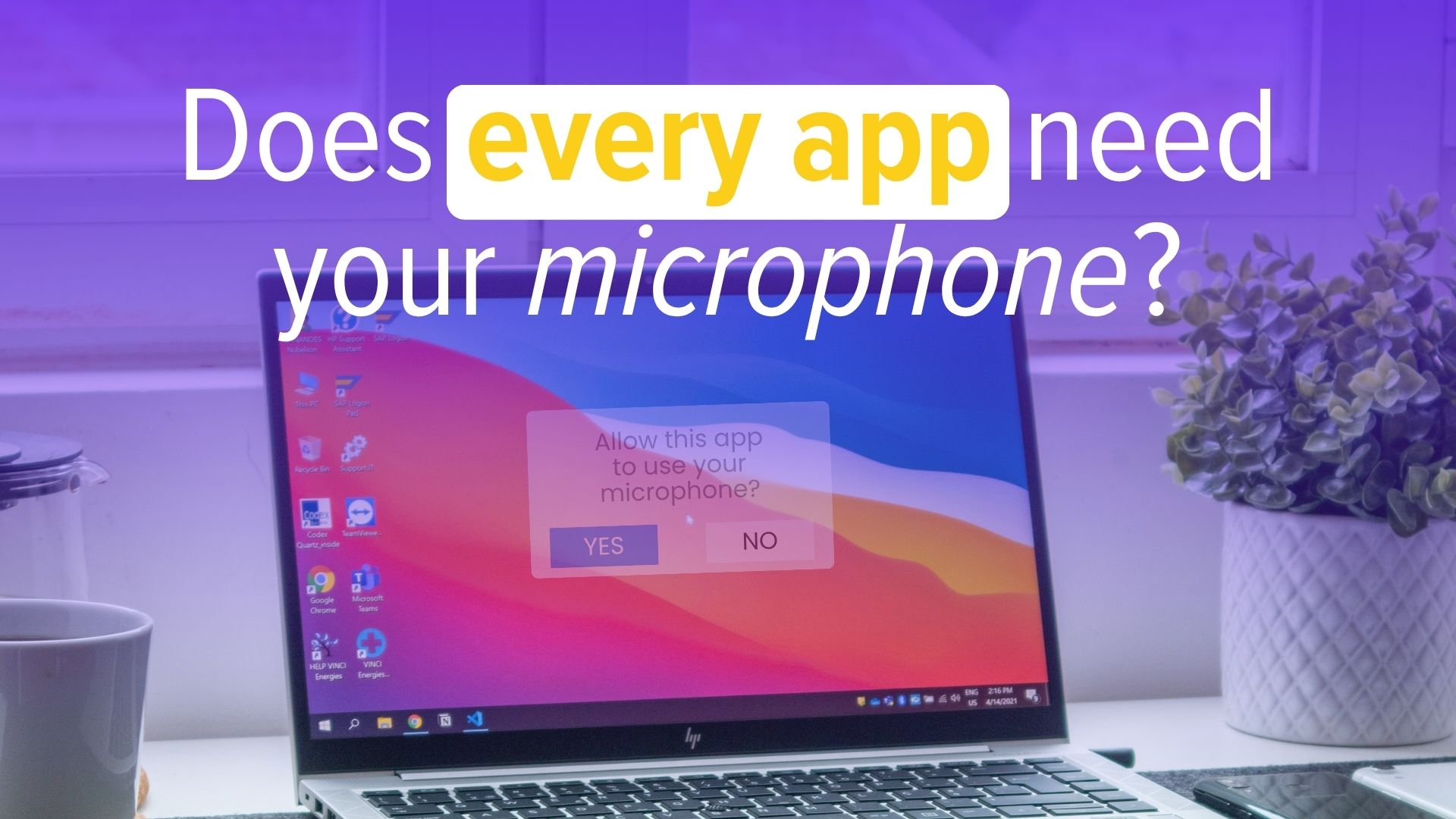
How many apps on your computer can use your camera and microphone? It's probably not something you've checked recently, and across a whole team of computers the answer could be surprising.
Windows already has privacy controls for your camera, microphone and location. But there's been an annoying gap when it comes to traditional desktop software, and Microsoft has been working on closing it.
The gap in Windows privacy controls
Say you've got six applications installed that could use your microphone. You're happy for Microsoft Teams to use it because you're on calls every day. Another app might have no good reason to be listening at all. Being able to decide app by app makes sense.
Windows 11 already offers this level of control for apps downloaded from the Microsoft Store. The gap has been traditional Windows desktop applications, sometimes called Win32 apps, which make up most of the software businesses actually use.
For those apps, the controls have been much broader. It hasn't been easy to allow one desktop app to use the microphone while blocking another.
What Microsoft is changing
Microsoft has been testing changes that bring per-app control to desktop applications too. It's also working on permission prompts that will feel familiar if you use a smartphone: when an app wants something sensitive, like your camera or microphone, Windows asks whether you want to allow it.
That puts the decision in front of you at the moment it matters. If you open your video calling software and it asks for the camera, the reason is obvious. If an app you've barely used suddenly wants your microphone, you might want to know why.
Why this matters for your business
Most businesses have a mix of software on their computers. Some is used constantly; some was installed for one job and hasn't been touched since. Giving every app access to more than it needs doesn't make sense, especially when confidential client conversations happen over Teams calls.
More control over which apps can use your camera, microphone and location makes it easier to make sensible privacy decisions. It's also a good prompt to review what's installed across your business and remove anything that isn't needed, which is part of good secure configuration if you're working towards or maintaining Cyber Essentials.
As with anything Microsoft tests in preview versions of Windows, the final feature may change before it reaches your computers. But the direction is a good one.
Make sure your Windows 11 computers are set up properly
Jedi Services helps UK businesses keep their Windows 11 computers secure, properly configured and up to date, so you get the benefit of improvements like this without the hassle. If you'd like a hand, get in touch.